Trial
£0
14 days, 5 seats. No card.
Pure Projects
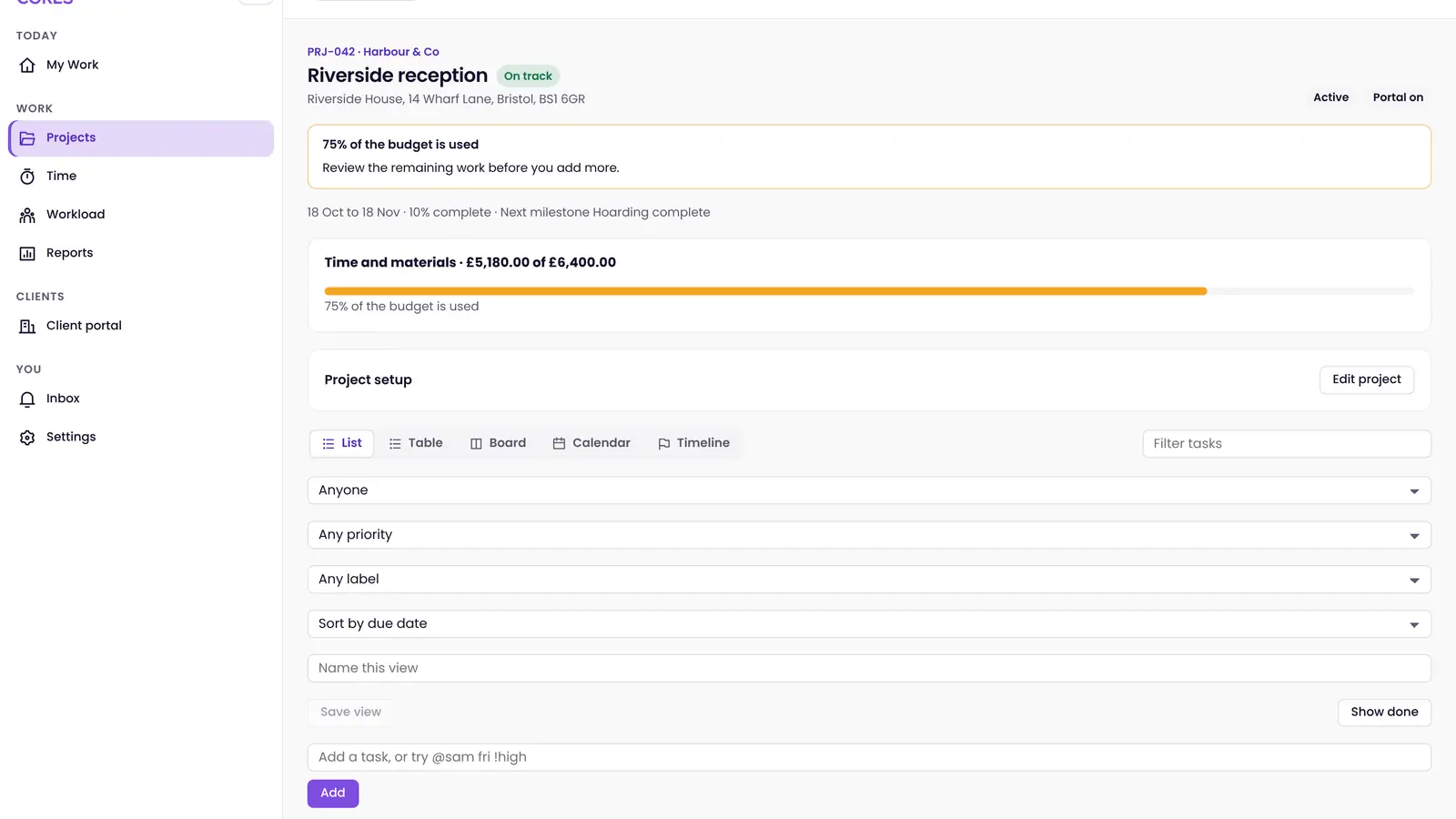
Projects with phases and milestones, tasks and checklists, time booking, workload, reports, and a client portal. It is not a cost system, and it is not a full CDM / RAMS desk in the current build.
14-day trial. No card. Sign-in opens the shared launcher. The app is at dev.projects.pure-cores.app.
The benefit
A project holds phases or milestones, tasks, checklists, files, and time. The client portal shows what you choose to share.
A task has an assignee, dates, and a checklist. Completing it is recorded on the project.
People book time against the job. Workload and reports show what is open across projects.
Safety keeps incidents and actions on the site record. Projects keeps the programme of work. They are separate apps on one PureCores account.
Guests can see the project view you share. Budgets and valuations stay in the commercial system.
What it is
Pure Projects holds the project, its milestones, tasks and checklists, time, workload, reports, and a client portal. It is the programme of work — not a full CDM / RAMS / permit desk in the current build.
Budgets and valuations stay in the commercial system. Pure Safety holds incidents, observations, and actions on its own site record.
Under CDM 2015
A job through the app
01
Set the job up. Pre-construction information in. Design risks accepted. Phase plan written. F10 prepared if the job is notifiable.
02
Milestones and task dependencies mark what has to be true before the next step. Each task can have an owner.
03
Tasks and checklists move through the project. Time is booked. Files can be shared on the portal.
04
The health and safety file: drawings, residual risks, how to maintain it. The job does not close on a missing pack.
Ten parts of the job. Each one has its own page. Programme, cost, and commercial sit elsewhere.
What the record holds
Phases or milestones, tasks, time, and shared files sit on the job. Budgets and valuations stay in the commercial system.
The app holds project structure, milestones, and task ownership.
Files can be attached and shared; this is not a full drawing-register product claim.
The principal contractor still plans, manages, and monitors. The app holds that record.
Plans
Projects, phases and milestones, tasks, time, and a client portal. A trial is 14 days. No card is taken on this page.
£0
14 days, 5 seats. No card.
£129 a month or £1,290 a year
Paid plan. Contact us or book a demo to start it.
A 14-day trial takes no card. A demo is a call about the job in front of you.